FAQ
Frequently asked questions
The questions venue owners and their customers actually ask. Anything else, just reach out.
Can not see your question here? Send it over and we will get back to you — in plain language, not jargon.
Contact supportClockWiFi is a guest Wi-Fi system with time limits built in. You decide how long a customer can be online — 15 minutes, 30 minutes, 1 hour, whatever suits your venue. When the time is up, the Internet stops by itself.
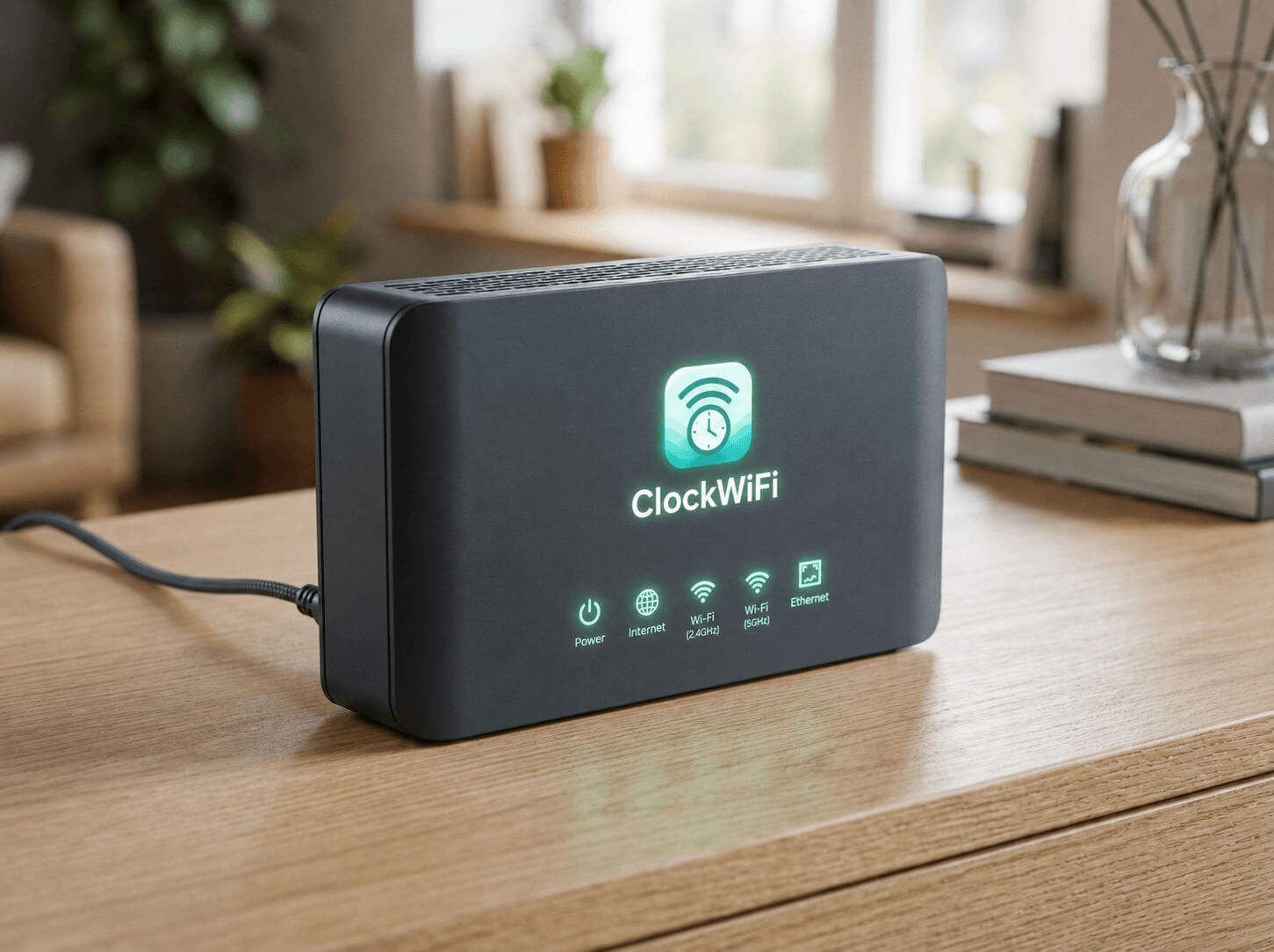
No. You keep your current ISP router. The ClockWiFi Device plugs in between your router and your guest Wi-Fi, and handles the time control on top of the connection you already have.
Not at all. There is nothing to configure on your router — no MAC addresses, VLANs, or firewall rules. You plug in the ClockWifi Device, set up your guest Wi-Fi, and choose a default session time. That is it.
The Internet is blocked automatically by the ClockWifi Device. The customer sees a short message that their session has ended, and if they want more time they just ask at the counter.
Nothing changes for you or your customers. Session enforcement runs locally on the ClockWifi Device, so countdowns keep running and expired sessions stay blocked. Data simply syncs again when the connection is back.
From the live dashboard, staff tap the connected customer and choose how much time to add — say +30 minutes or +1 hour. The session is extended instantly, in one tap.
Yes. The Business plan lets you manage multiple branches and ClockWifi Devices from one dashboard, with health monitoring and configuration backup for each location.
You need one ClockWiFi device per branch. For example, a business with 5 branches needs 5 ClockWiFi devices. Your Business plan lets you manage all 5 branches from one centralized dashboard.
ClockWiFi uses more than just a MAC address to identify a device, so reconnecting or changing identifiers does not silently reset a session. Limits stay fair for everyone.
It depends on the venue. They set a session length for their Wi-Fi — often 30 minutes to a couple of hours. You will see the remaining time on the welcome page where supported.
No. Just connect to the guest network, accept the terms on the welcome page, and you are online. No apps, no accounts, no personal details required.
Your session has probably reached its time limit. Head to the counter — the staff can add more time for you in a few taps.
Ready to control your guest Wi-Fi?
Give customers Wi-Fi without giving them unlimited Internet time. Plug in, configure, and start giving time in minutes.