Time-Controlled Wi-Fi for Businesses.
Give customers reliable Wi-Fi without handing out unlimited Internet time. Sessions run for however long you choose — and turn off by themselves when time is up.
15
minute sessions
60
minute sessions
0
apps for customers
1
tap to extend
Give customers Wi-Fi without giving them unlimited Internet time
The idea is simple: your customers get a solid connection, the clock starts, and when the time runs out the Internet stops on its own — even if the Cloud happens to be unreachable.
Automatic time limits
Works even offline
Easy session extensions
Optional cloud management
SAMBERLET Travel Cafe
Cloud connected
2
Guests now
Good
Connected
CUSTOMER SESSIONS
Arla's phone
Phone · Live
Mateo's laptop
Laptop · Live
Everything you need for controlled Wi-Fi
Timed guest sessions
Give each customer 15 minutes, 30 minutes, 1 hour, 2 hours, or a custom duration. The clock starts, the countdown runs, and Internet automatically stops when time is up.
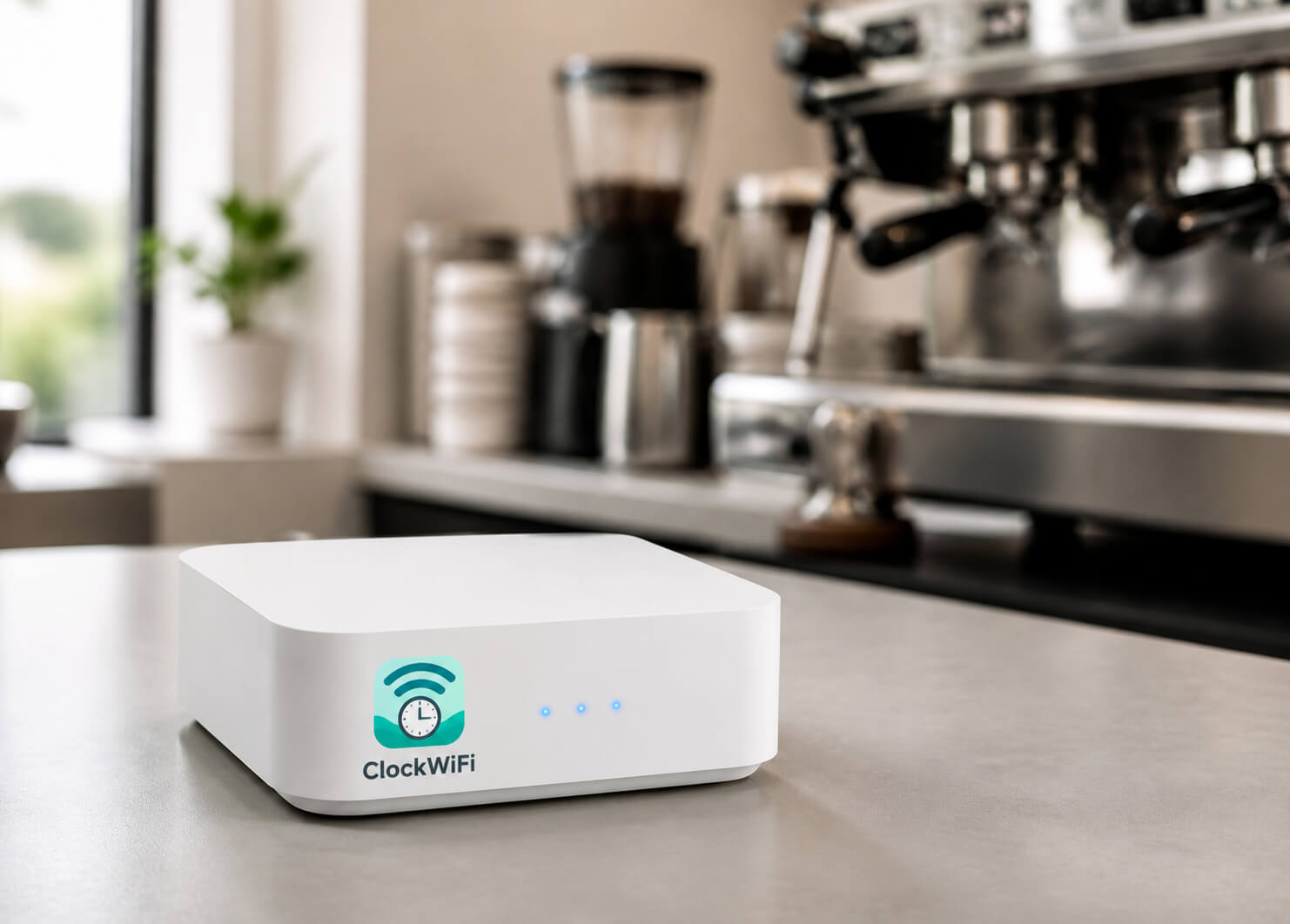
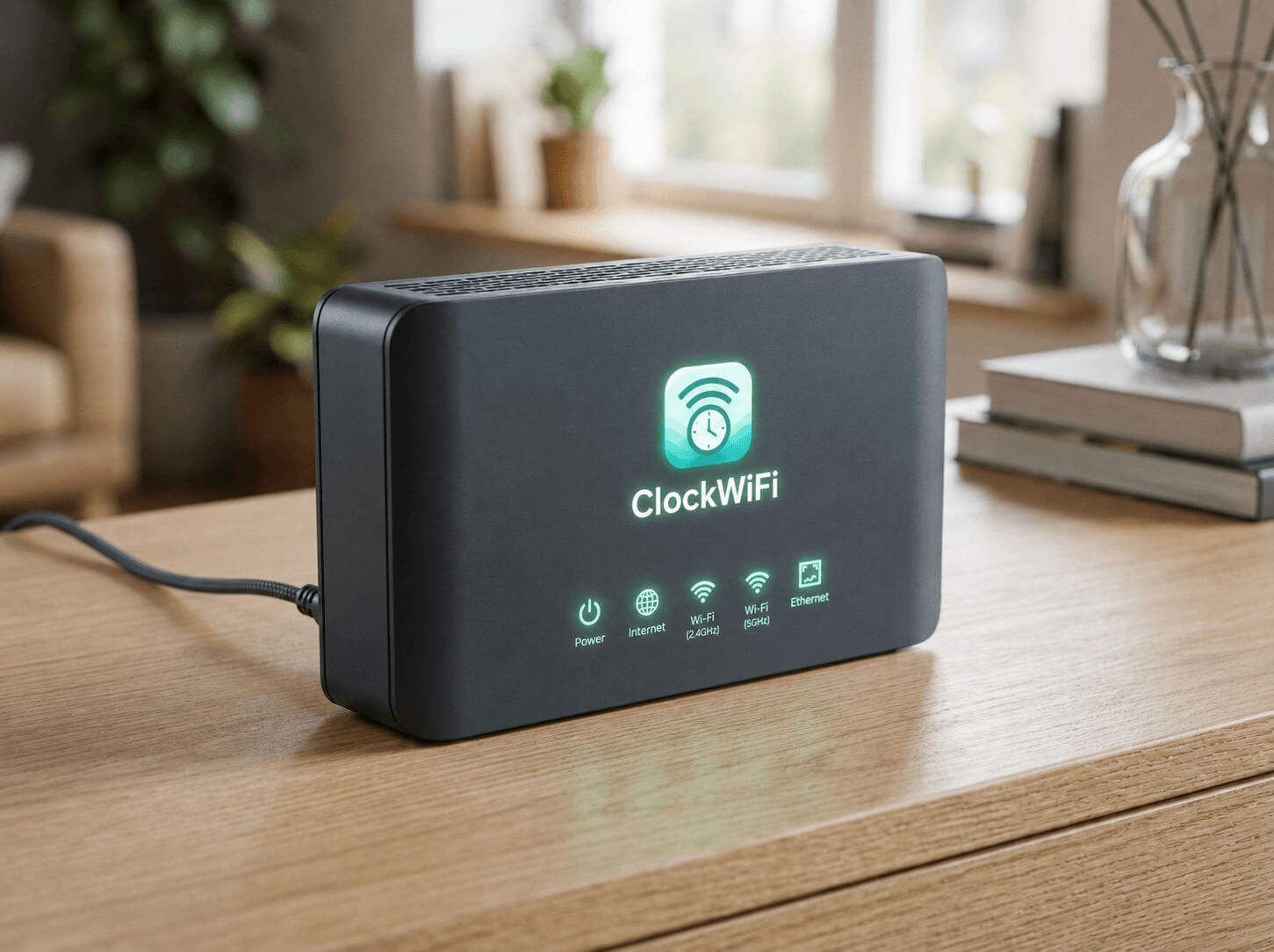
Plug-and-play ClockWifi Device
Connect the ClockWiFi Device between your existing router and your guest Wi-Fi. No router configuration, VLANs, firewalls, or networking knowledge required.
Staff dashboard in a few taps
A simple live dashboard shows connected customers and remaining time. Start, extend, end, or block a session — all within a couple of taps.
Local-first and reliable
Session enforcement runs on the ClockWifi Device itself. Even if the Cloud service is temporarily unavailable, customer sessions keep working and time limits stay enforced.
Multi-branch management
Manage every branch and ClockWifi Device from one place. Monitor health, back up configuration, and review usage across your whole business.
Automatic expiration
Internet access is blocked locally the moment a session ends. No guest gets unlimited Wi-Fi, and staff never have to babysit the connection.
No app for customers
Customers just connect, accept the terms, and use the Internet. No accounts, no installations, no friction.
Works with your existing Internet
Your ISP router stays in place. ClockWiFi adds the guest Wi-Fi and time control on top of the connection you already have.
No technical expertise needed
If your staff can use a phone, they can operate ClockWiFi. The interface is built for business owners, not network engineers.
How it works
Up and running in minutes
No router configuration and no networking expertise. It is a flow your staff will pick up in a single shift.
- 1
Connect ClockWifi Device
Plug the ClockWifi Device between your existing router and your guest network.
- 2
Configure Guest Wi-Fi
Set your guest network name, password, and business branding in a simple setup page.
- 3
Set Session Time
Choose a default duration — for example 1 hour — or let staff decide per customer.
- 4
Customers Connect
Customers join the guest Wi-Fi, accept the terms, and the clock starts counting down.
- 5
Time Automatically Expires
When the session ends, Internet is blocked automatically. Staff can extend in one tap.
- 6
Monitor and Adjust
See who connected, for how long, and when. Tweak default durations as your business changes.
Pricing
Simple plans that grow with your business
Start with one branch. Add branches and ClockWiFi Devices as you grow.
ClockWiFi Device Required
All SaaS subscription plans require one ClockWiFi Device per branch (one-time purchase of ₱3,000 per branch).
Starter
Everything a single branch needs to run timed guest Wi-Fi.
+ ₱3,000 one-time ClockWiFi Device per branch
- 1 branch
- 1 gateway
- Time-controlled guest Wi-Fi
- Local enforcement
- Basic session management
- Basic analytics
- Staff accounts
- Device blocking
- Automatic local operation when Internet/cloud is unavailable
Business
Centralized management for businesses with multiple locations.
+ ₱3,000 one-time ClockWiFi Device per branch
- Up to 5 branches
- Multiple gateways
- Central dashboard
- Remote monitoring
- Advanced analytics
- Configuration backup
- Staff roles
- Multi-branch management
- Priority support
Device-only
Buy the ClockWifi Device. Run local timed guest Wi-Fi with no subscription.
- ClockWifi Device
- Local guest Wi-Fi
- Local session control
- Optional Cloud add-on later
Prices are shown in PHP. Recurring SaaS subscription covers Cloud dashboard access and remote branch management. ClockWiFi Device hardware (₱3,000 one-time per branch) is required to enforce time limits locally.
Device vs Device + Subscription
Why add a SaaS subscription?
The ClockWiFi device alone gives you local time limits. Pair it with a subscription and you get a fully managed, cloud-powered Wi-Fi control center — accessible from anywhere, for any number of branches.
| Feature | Device Only | Device + Subscription |
|---|---|---|
| Wi-Fi Management | ||
| Guest Wi-Fi time limits | Yes | Yes |
| Local-first enforcement (works without internet) | Yes | Yes |
| Manually configure via router admin panel | Yes | No |
| Cloud Dashboard | ||
| Web-based SaaS dashboard | No | Yes |
| Real-time live session monitoring | No | Yes |
| Remote management from any device | No | Yes |
| Multi-branch management | No | Yes |
| Staff & Operations | ||
| Staff accounts with roles | No | Yes |
| One-tap session grants for staff | No | Yes |
| Instant device blocking | No | Yes |
| Captive portal branding (logo, colors) | No | Yes |
| Analytics & Reports | ||
| Daily session analytics | No | Yes |
| Peak usage reports | No | Yes |
| Device history logs | No | Yes |
| Setup & Support | ||
| 5-minute plug-and-play setup | No | Yes |
| Requires manual OpenWrt/router setup | Yes | No |
| Automatic firmware updates | No | Yes |
| Priority customer support | No | Business plan |
🎯 The smarter choice for any growing business
The ClockWiFi Device + Subscription gives your whole team the tools to manage guest Wi-Fi without touching a router — starting at just ₱499/month after a one-time ₱3,000 device purchase.
Get started with a SubscriptionReady to control your guest Wi-Fi?
Give customers Wi-Fi without giving them unlimited Internet time. Plug in, configure, and start giving time in minutes.